Your body, any design
Bring a photo of the spot and a design from your artist, Pinterest or a sketch.
 Inkly
Get the app
Inkly
Get the app
Snap the spot, add any design, and get a photo-real preview that follows your skin, curves and lighting. Decide with confidence.
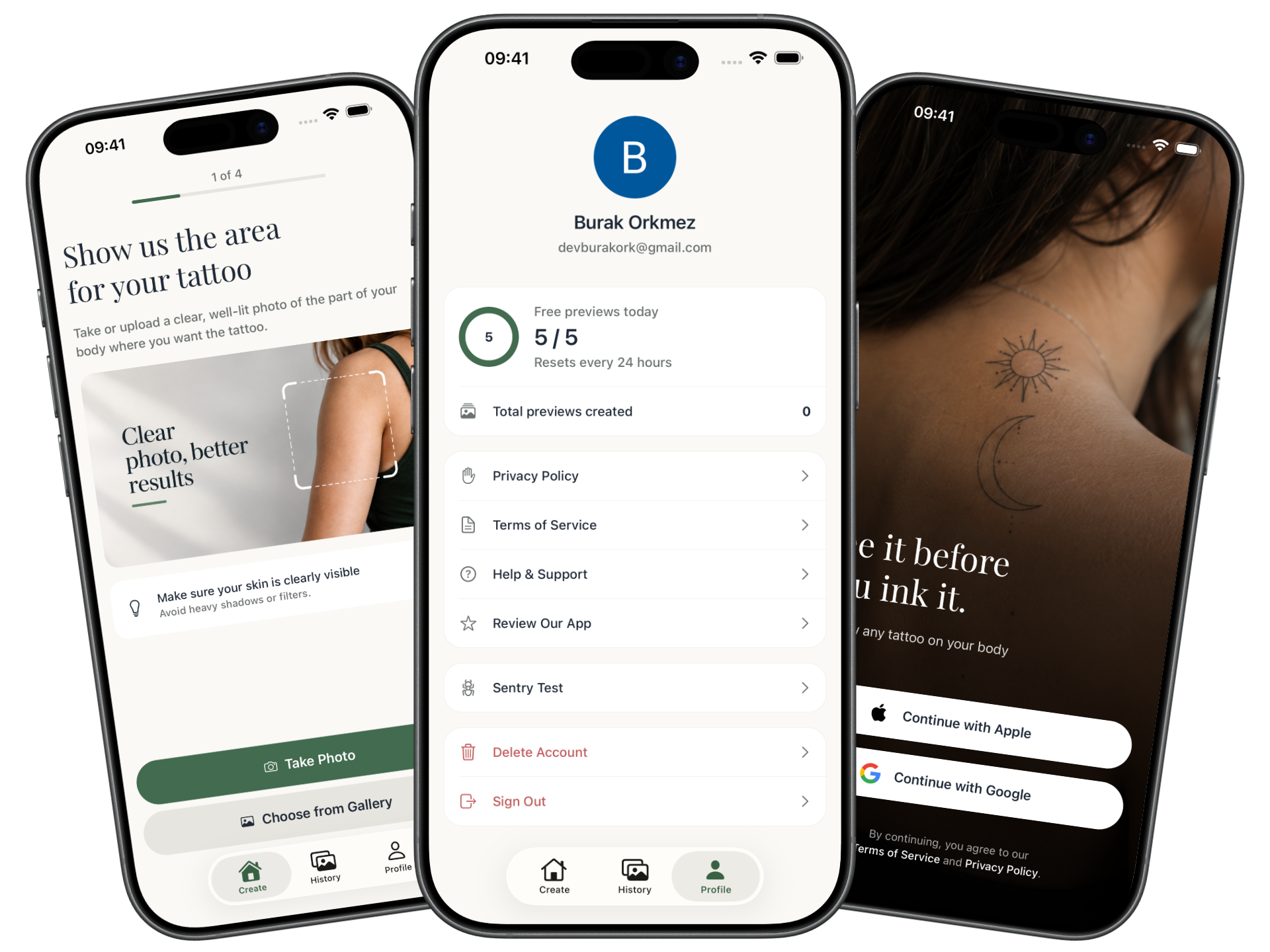
Preview on 20 placements,
from wrist to upper back.
Tattoos are permanent. Your decision shouldn't be a guess.
Bring a photo of the spot and a design from your artist, Pinterest or a sketch.
Front or back, left or right. Tell Inkly where it goes and it handles the rest.
Inkly preview
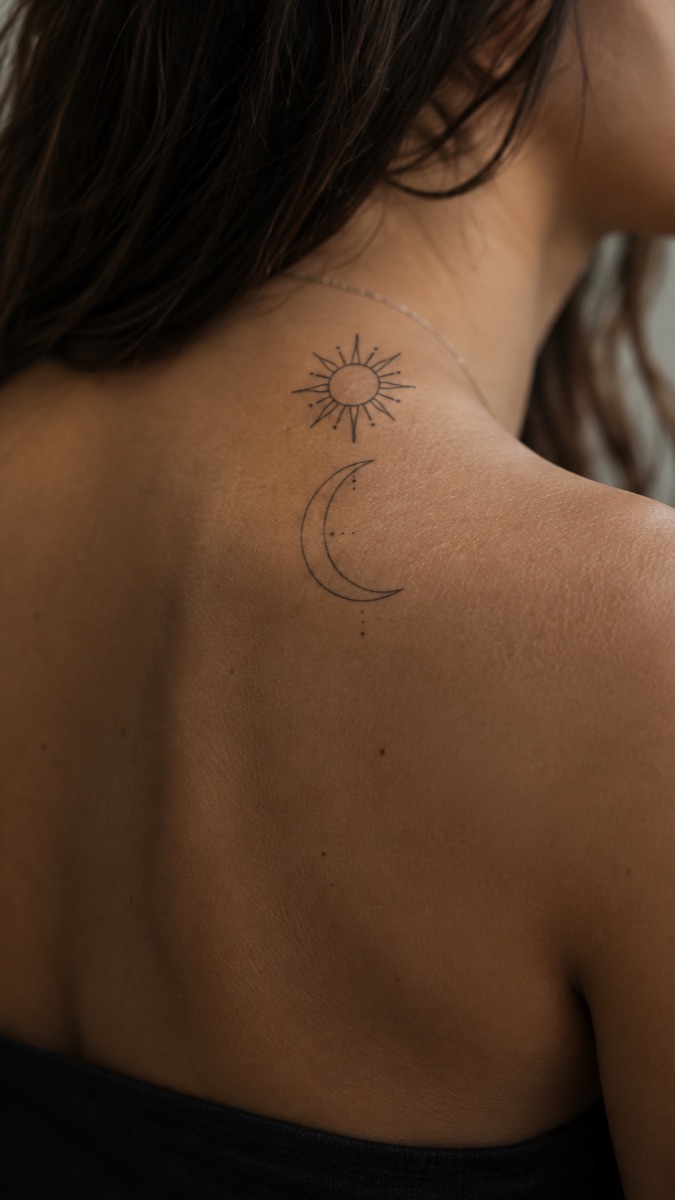
The design wraps around your curves and picks up the light on your skin. You and your background stay untouched.
Five free previews in every rolling 24 hours. Failed previews never count against you. Everything you make lives in your private history to save, share or regenerate.
Try a design on before an artist ever picks up a needle.
Free photo-real previews every day, no card needed.
Body placements, from wrist and neck to calf and foot.
Simple steps from a photo of your skin to a finished preview.
Needles, regrets or awkward cover-up conversations.
A guided flow that takes about a minute. You can leave while it generates.
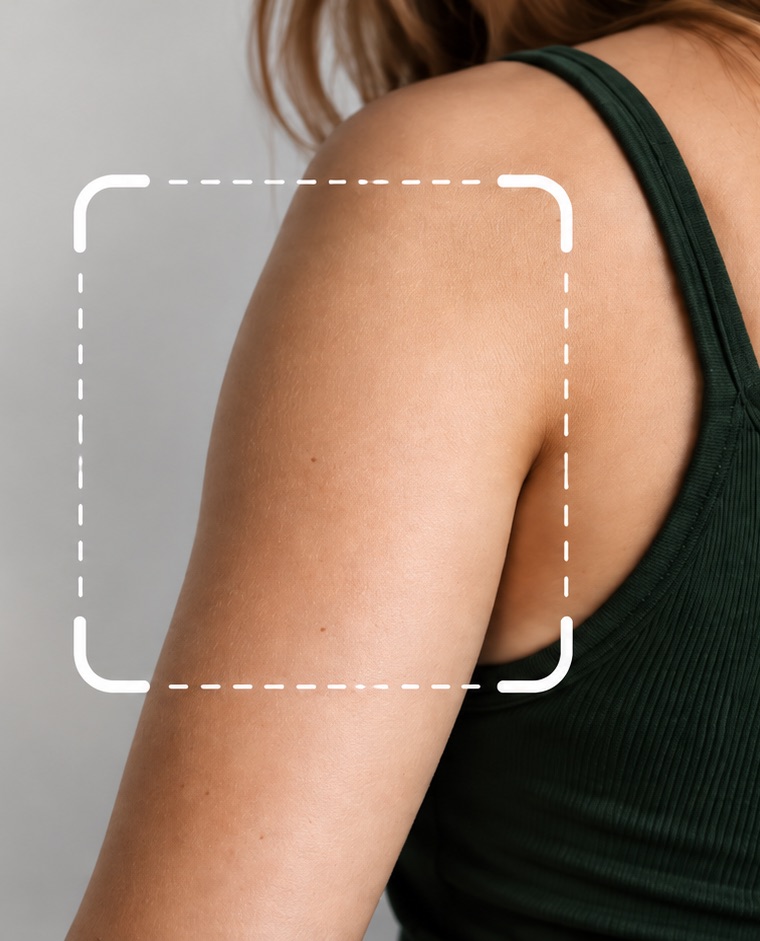
Take or upload a clear, well-lit photo of where you want the tattoo.
Snap a flash sheet, upload a sketch or pick any image from your gallery.
Pick from 20 body parts, front or back, so the preview lands exactly right.
Get a photo-real preview, then save it, share it or try another design.
Yes. You get five free previews in every rolling 24-hour window. Previews that fail don't count toward your limit.
Your photos and previews are tied to your account and are never shown to other users or used for ads. You can delete any preview, or your whole account and all its data, at any time. See our Privacy Policy for details.
Inkly is available for iPhone and Android. Sign in with Apple or Google to get started.
Inkly gives you a realistic idea of size, placement and style, but every artist and every skin is different. Use your preview as a starting point and bring it to your artist.
Download Inkly and see your next tattoo on your own skin today.